


✓
SIGNED CONTRACTAcme Manufacturing.pdfEffective Sep 1, 2026 · 12 months
Subscription billing for QuickBooks Online
QuickBooks Online repeating transactions work when the next invoice should look like the last one. BillCadence is for the seat changes, add-ons, upgrades, renewals, cancellations, and customer-specific terms that break that assumption.
Private beta participation is free.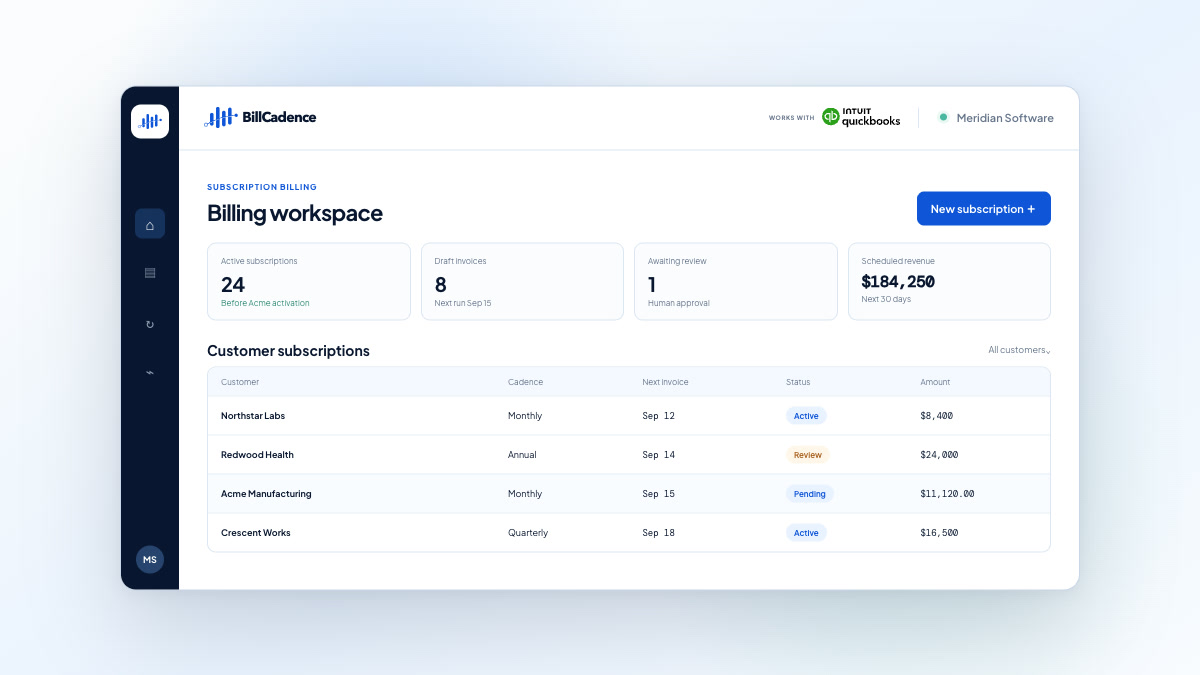
Private-beta production invoices require human approval.
The breaking point
A controlled workflow
BillCadence is designed to keep subscription changes visible and reviewable before they become accounting transactions.
Use existing customers, products, repeating transactions, and billing history to prepare subscription schedules for review.
Represent quantity, plan, pricing, renewal, pause, and cancellation changes on the dates they take effect.
Review upcoming invoices and resolve exceptions before anything is posted.
Post the approved invoice to QuickBooks Online without replacing your accounting workflow.
Compare the posted transaction with the approved billing intent and surface any difference.
A practical example
Keep your accounting system
Review subscription schedules and invoice intent in BillCadence, then create approved invoices in the accounting system your team already uses. Posted invoices, payments, credits, and the books stay there.
Show us one real subscription-change workflow and we’ll explore whether BillCadence fits.
